Have you ever tried submitting a photo as a document, only to be told it must be in PDF format? Whether it is a scanned invoice, a college ID photo, or an assignment screenshot — getting your JPG into a PDF format quickly is a real, everyday need.
That is exactly why the JPG to PDF converter free tool on SEOToolBase was built. No confusing software to install, no paid subscriptions, and no account creation required. Just upload your image, convert it, and download your PDF — all within seconds, straight from your browser.
In this guide, you will learn how to convert JPG to PDF for free, why PDF is often the better format for sharing images, and tips to get the best quality results every time.
What Is a Free JPG to PDF Converter?
A JPG to PDF converter is an online tool that transforms JPEG image files — and other image formats like PNG, WEBP, and HEIC — into universally compatible PDF documents. Instead of sending a raw photo that may display differently on every device, a PDF locks in the layout, resolution, and dimensions so the file looks identical wherever it is opened.
SEOToolBase free image-to-PDF converter handles this entire process in the cloud, meaning your device does not need any special processing power. The conversion happens on our secure servers, and your file is ready to download in moments.
How to Convert JPG to PDF for Free — Step by Step
Converting your image file to PDF on SEOToolBase takes less than a minute. Here is exactly how to do it:
Step 1. Upload your JPG file
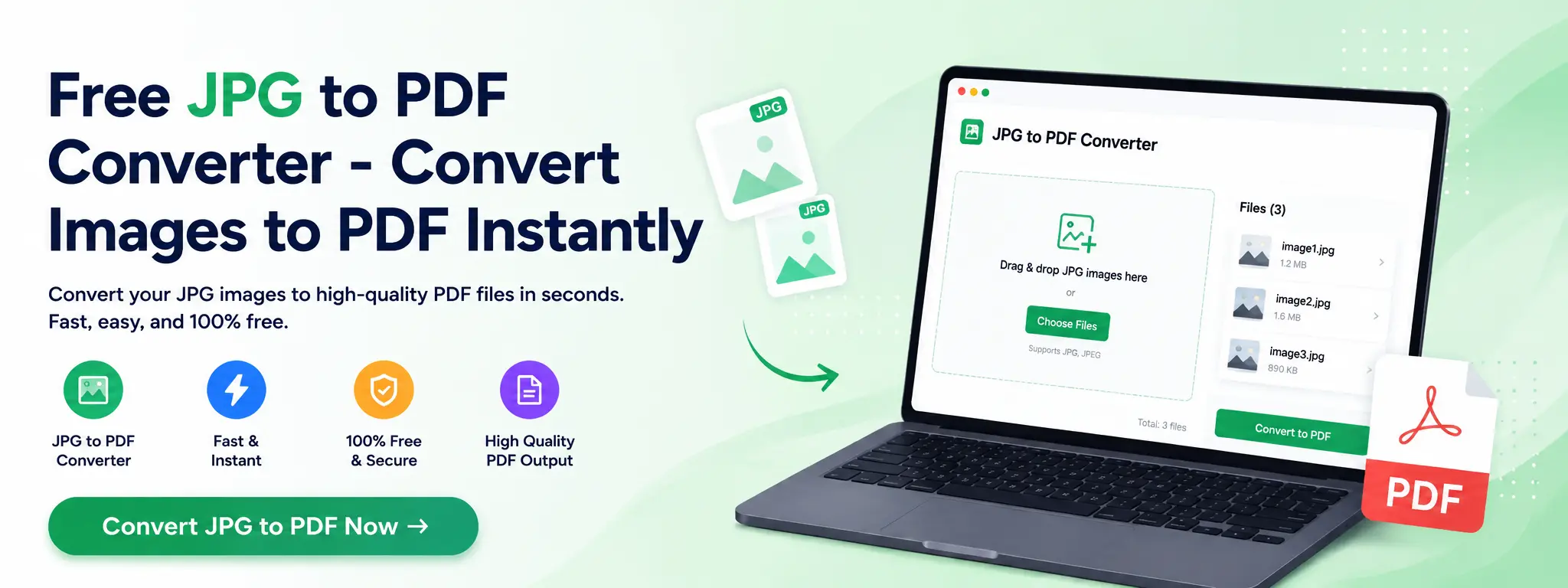
Go to the SEOToolBase JPG to PDF converter page. Click the “Choose File” button or simply drag and drop your JPG image into the upload area. You can upload a single image or multiple JPG files at once if you want to combine them into one PDF document.
Supported input formats: JPG, JPEG, PNG, WEBP, BMP, TIFF, HEIC
Step 2. Adjust page settings (optional)
Before converting, you can customise your PDF output:
- Page size — A4, Letter, or fit to image
- Orientation — Portrait or landscape
- Margin — None, small, or standard
- Image quality — High, medium, or compressed
These settings let you control whether the image fills the entire page or sits with white borders, which is useful for formal document submissions.
Step 3. Click “Convert to PDF”
Hit the convert button. Our free JPG to PDF tool processes your image instantly using lossless conversion technology, meaning your image quality is preserved throughout the process.
Step 4. Download your PDF
Once the conversion is complete, click “Download PDF” to save the file to your device. Your converted PDF is ready to email, upload, print, or share — immediately.
How to Convert Multiple JPGs into One PDF
Need to merge several photos into a single document? SEOToolBase makes this easy:
- Upload all your JPG images at once using the multi-file upload option
- Drag to reorder the images in the sequence you want
- Click “Convert All to PDF”
- Download your combined PDF file
This is especially useful for submitting multi-page documents like ID proofs, bank statements, or portfolio work where separate images need to be packaged as one PDF.
How to Convert JPG to PDF on Mobile (iOS and Android)
SEOToolBase is fully mobile-responsive, so you can convert images to PDF directly from your smartphone or tablet:
- Open your browser on iPhone or Android and visit SEOToolBase
- Tap “Choose File” — your photo gallery, camera, or files app will open
- Select the JPG image you want to convert
- Tap “Convert to PDF” and wait a few seconds
- Download and share your PDF directly from your phone
No app download is needed. The entire JPG to PDF conversion process works seamlessly on Chrome, Safari, and other mobile browsers.
Why Convert JPG to PDF? 6 Practical Reasons
You might wonder — why not just send the JPG directly? Here is why converting your image to PDF is almost always the smarter choice:
1. Consistent formatting across all devices:- A JPG can appear stretched, rotated, or differently sized depending on the viewer’s software. A PDF preserves your image’s exact dimensions and layout on every screen and printer.
2. Combine multiple images into one document:- PDFs let you bundle many photos or scans into a single, organised file — ideal for portfolios, reports, and multi-page applications.
3. Accepted for official and professional submissions:- Government portals, universities, and employers almost universally accept PDF over raw image files. Converting your JPG to PDF makes your submission professional and format-compliant.
4. Easier to email and share:- A single PDF attachment is cleaner and more professional than attaching five separate JPG files. PDF is the global standard for document sharing.
5. Better print quality:- PDFs maintain print resolution accurately. When you convert a JPG to PDF, the output is print-ready with correct scaling, which raw image files often fail to deliver.
6. Password protection and security:- Once in PDF format, you can add password protection or restrict editing — features not available with a plain JPG file.
Key Features of SEOToolBase’s Free JPG to PDF Converter
Here is what makes the SEOToolBase image converter stand out from other tools:
- Completely free — no hidden charges, no premium tier required for basic conversion
- No signup or account needed — open the tool and start converting immediately
- No watermark — your downloaded PDF is clean with zero branding added
- Batch conversion — convert multiple JPG files to PDF in one go
- High image quality — lossless processing ensures your photos look sharp in PDF
- All image formats supported — works with JPG, JPEG, PNG, WEBP, BMP, TIFF, and HEIC
- Secure and private — files auto-deleted after 60 minutes, protected by SSL encryption
- Works on all devices — desktop, laptop, tablet, iPhone, and Android phones
- Fast processing — most conversions complete in under 10 seconds
Free JPG to PDF Converter vs Paid Tools — What Is the Difference?
Many popular tools like Smallpdf and Adobe Acrobat offer free tiers, but they come with notable restrictions. Here is how SEOToolBase compares:
| Feature | SEOToolBase (Free) | Smallpdf Free | Adobe Acrobat Free |
| Cost | 100% Free | Limited free uses/day | Free with sign-in |
| Signup required | No | No (limited) | Yes |
| Watermark on PDF | No | No | No |
| Batch conversion | Yes | Limited | Limited |
| File size limit | Up to 50MB | 5MB free tier | 2 files/day |
| Mobile support | Yes | Yes | Yes |
| Auto file deletion | Yes (60 mins) | Yes | Yes |
| No. of conversions | Unlimited | 2 per hour | 2 per day |
SEOToolBase gives you unlimited, watermark-free conversions without forcing you to create an account or pay — making it one of the most genuinely free JPG to PDF tools available online.
Tips for Best Results When Converting JPG to PDF
Getting a great PDF output comes down to a few simple practices:
Use high-resolution source images:- If your original JPG is blurry or low resolution (below 150 DPI), the PDF will also appear low quality. Always start with the highest resolution image available.
Choose the right page size:- For standard document submissions, use A4 (international) or Letter (US). For photos you want to display full-page, choose “fit to image” to avoid white borders.
Compress only when file size matters:- If you need to email a large PDF, use the compression setting. But for print or archival purposes, always keep quality set to “High.”
Use landscape orientation for wide images:- Photos taken in horizontal (landscape) mode look better converted with the landscape page orientation setting selected — otherwise the image gets shrunk down to fit a portrait page.
Combine before converting for multi-page documents:- Upload all your images together in one batch so they become a single PDF with sequential pages, rather than many separate PDF files.
Conclusion
Converting a JPG to PDF does not need to be complicated or expensive. With SEOToolBase free JPG to PDF converter, you get a fast, secure, and genuinely unlimited tool — no watermarks, no signups, and no file size tricks. Whether you are submitting a document for a job application, combining scanned pages for a project, or simply turning your photos into a shareable PDF, SEOToolBase has you covered.
Frequently Asked Questions
Is the SEOToolBase JPG to PDF converter really free?
Yes, 100% free. There are no usage limits, no hidden paid tiers, and no subscription required. You can convert as many JPG images to PDF as you need, completely free of charge.
Can I convert multiple JPG files into a single PDF?
Absolutely. SEOToolBase supports batch uploads. Simply upload all your JPG files at once, arrange them in the order you want, and the tool will combine them into one multi-page PDF document.
Does converting JPG to PDF reduce image quality?
No. SEOToolBase uses lossless image processing during PDF conversion. Your image is embedded into the PDF at its original resolution, so the visual quality remains identical to the source file.
How do I convert JPG to PDF on my iPhone?
Open Safari or Chrome on your iPhone, go to SEOToolBase’s JPG to PDF converter, tap “Choose File,” select your photo from your camera roll or Files app, and tap “Convert to PDF.” No app download is needed — it works entirely in your browser.
Is my uploaded file kept private?
Yes. All files uploaded to SEOToolBase are processed over an encrypted SSL connection and are permanently deleted from our servers within 60 minutes. We do not store, view, or share your files.
Can I convert PNG, WEBP, or HEIC images to PDF too?
Yes. Although this tool is optimised as a JPG to PDF converter, it also supports PNG, WEBP, BMP, TIFF, and HEIC image formats — all converted to PDF with the same quality and speed.
Read More:- Convert PNG to JPG Online
Do I need to create an account or sign up?
No account, no email, no signup. Open the tool, upload your image, and convert. It is designed to be as fast and frictionless as possible.
What is the maximum file size I can upload?
SEOToolBase supports image uploads up to 50MB per file. For most JPG photos and scanned documents, this is more than sufficient.